


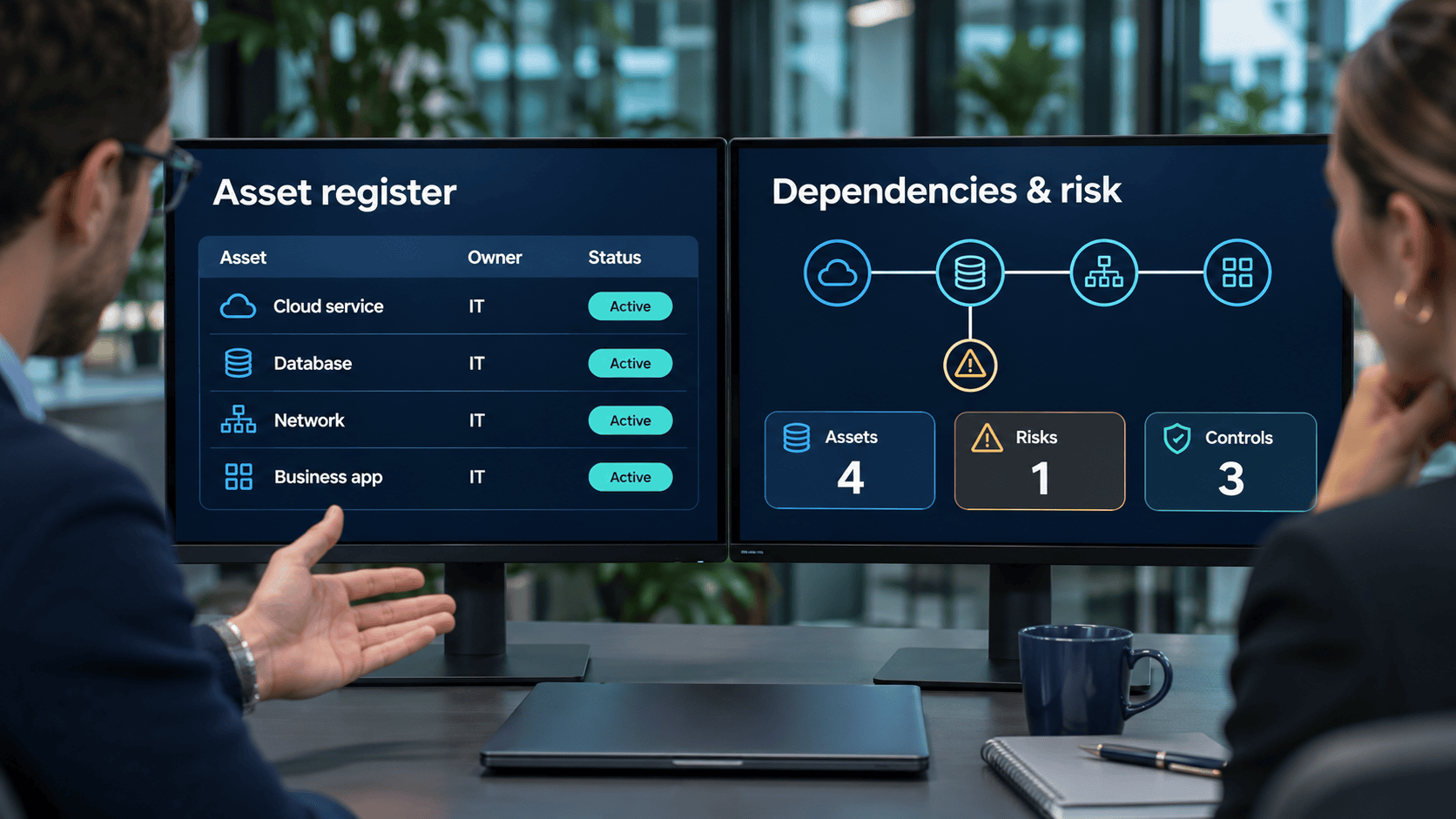
As businesses grow, they rely on more applications, databases, cloud services and information resources. Managing these assets becomes difficult when teams use separate spreadsheets and cannot easily identify critical systems or responsible owners.
The right asset management software features help organisations maintain accurate records, understand operational dependencies and assess business risks. However, not every platform offers the same capabilities. Businesses should choose tools that match their actual management needs. This guide explores seven features worth considering and explains how Blue Octopus supports structured information asset management.
Why the Right Features Matter for Growing Businesses
Growth often introduces new systems, suppliers and business processes. As a result, organisations need more than a basic list of assets. A suitable platform should help teams understand which resources support essential operations and who is responsible for them. Furthermore, connecting asset information with risk assessments and compliance documentation can support better decisions and more consistent management practices.
7 Essential Asset Management Software Features
Customisable Information Asset Register
An information asset register provides a central place to organise important business resources. Organisations should be able to record applications, databases, cloud services and other relevant assets using attributes that reflect their needs. For example, a company may record an application’s purpose, responsible owner, criticality and service provider. Customisable records make the inventory useful for both technical and business teams.
Clear Asset Ownership and Criticality
Every important information asset should have a responsible owner. Ownership helps teams understand who maintains relevant information and who participates in risk management decisions. In addition, criticality classification helps organisations distinguish essential systems from less important resources. For instance, an application supporting customer orders may require greater attention than an internal test environment.
Visual Dependency Mapping
Business applications rarely operate independently. Several services may depend on the same database, hosting provider or authentication system. Therefore, understanding these relationships is important for operational planning. Visual dependency mapping helps teams identify shared resources and evaluate how a disruption could affect multiple business activities. It also provides useful information for risk assessments and business continuity planning.

Structured Risk Assessment
Effective asset management should support decisions about business risks. A structured approach allows teams to assess the likelihood and potential impact of threats affecting important assets. Organisations can then review existing controls, plan mitigation measures and assign responsible owners. After implementation, teams should evaluate the remaining risk and update relevant records. This helps management prioritise important issues instead of treating every risk equally.
Compliance Documentation and Evidence
Growing organisations may need to manage an increasing number of information security and regulatory requirements. A compliance register can help teams organise applicable requirements and connect them with relevant controls and supporting evidence. Furthermore, centralised documentation makes internal reviews and audit preparation more manageable. However, software alone does not guarantee compliance. Organisations must also implement appropriate measures and maintain reliable evidence.
Business Continuity Support
Unexpected disruptions can affect essential business activities. Therefore, organisations need to identify critical processes and establish clear recovery priorities. A Business Impact Analysis (BIA) helps teams understand the potential impact of interruptions and determine which activities need attention first. In addition, Recovery Time Objectives (RTO) and Recovery Point Objectives (RPO) help define recovery expectations.
By connecting information assets with business processes, asset management software provides useful context for continuity planning. However, organisations still need appropriate backup and disaster recovery solutions.
Reporting and Flexible Data Management
Accurate information is most useful when teams can review and share it. Reporting and export capabilities help organisations prepare information for management decisions, internal reviews and audits. Meanwhile, configurable asset types and attributes allow teams to adapt their records as business needs change. Before selecting a platform, organisations should also verify available integration options and whether they meet existing technical requirements.
How to Choose the Right Asset Management Software
The best choice depends on the organisation’s processes, risks and existing systems. Start by identifying which information assets require management. Next, determine which capabilities would improve existing work.
For example, an organisation struggling with unclear system ownership may prioritise a configurable asset register. Another business may benefit more from risk assessments and dependency mapping. Teams should also evaluate usability, information security, implementation requirements and total cost. This approach helps businesses select relevant functionality rather than purchasing software based on an extensive feature list.
Asset Management and Information Security Requirements
Information asset management also supports information security frameworks. ISO/IEC 27001 promotes a risk-based approach to information security management. Maintaining appropriate inventories of information and associated assets supports this approach.
In Slovenia, Article 21 of the Information Security Act (ZInfV-1) requires covered essential and important entities to maintain updated inventories, risk assessments and relevant security documentation. Article 22 also establishes technical, operational and organisational security measures.
However, these obligations do not automatically apply to every company. Organisations must determine their applicable legal requirements.
How Blue Octopus Supports Growing Organisations
Blue Octopus combines information asset management, risk analysis and compliance documentation within a structured platform. Its asset management functionality includes configurable registers, ownership, criticality classification and visual dependency mapping. Additionally, organisations can assess risks, document mitigation measures and connect information assets with relevant business processes.
The platform also supports Business Impact Analysis, compliance registers, documented information and reporting. These features help teams maintain a clearer overview of important resources and related responsibilities.
However, Blue Octopus does not replace specialised hardware tracking, automatic network discovery or predictive equipment maintenance solutions.
Explore the Blue Octopus modules to learn more about the available capabilities.
Frequently Asked Questions
Important features include configurable asset registers, clear ownership, criticality classification, dependency mapping, risk assessments and reporting. The right combination depends on organisational needs.
Yes. It can help organise asset records, risks, controls and supporting documentation. However, software alone does not establish compliance with applicable requirements.
Not necessarily. Smaller organisations may manage limited inventories using spreadsheets. However, dedicated software can become useful as asset relationships and management responsibilities grow more complex.
Choose Features That Support Better Decisions
Effective asset management depends on accurate information, clear responsibilities and structured processes. By selecting software with relevant asset management, risk analysis and documentation capabilities, growing organisations can improve visibility and support more informed business decisions.
Discover Blue Octopus to explore how connected information asset management can support your organisation.